
Pitchee Android
Keep practicing on Android.
On Android, follow live pitch and the spectrum, record and analyze your voice, and keep every result on the device — with voice health and scoring guides to help you read the numbers.
Download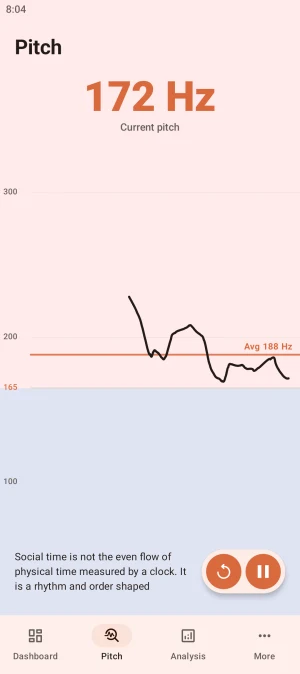
Practice, then listen back
Read the on-screen passage to start monitoring: the current pitch and F0 trace update in real time, with an average pitch line for reference. Pause and play the take back against the trace — where a line ran high or low, you can hear it and see it.
From recording to analysis
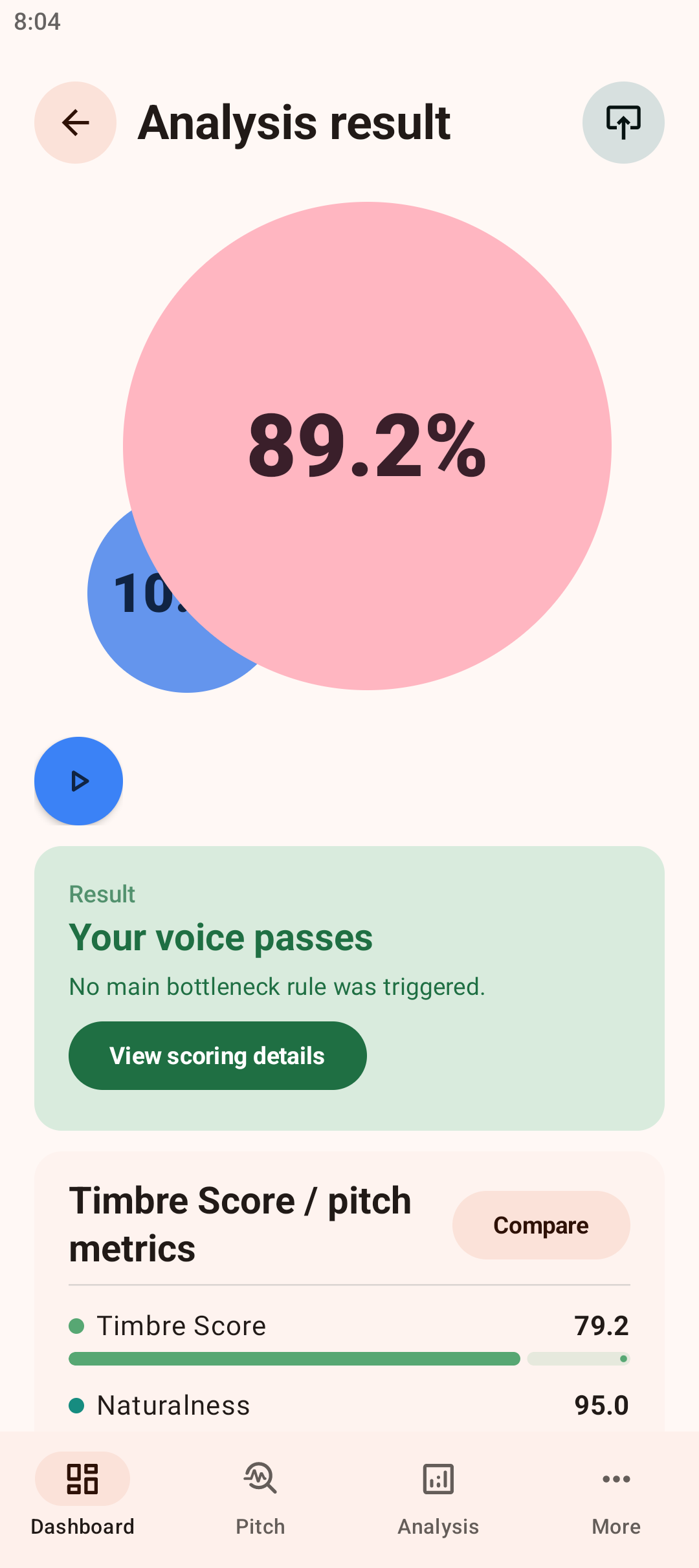
Record a take and Pitchee reports an overall score with its parts: average pitch, timbre score and naturalness. The results page states the verdict — pass or not, and where the bottleneck is — and the scoring details account for every item.
Return to earlier sessions
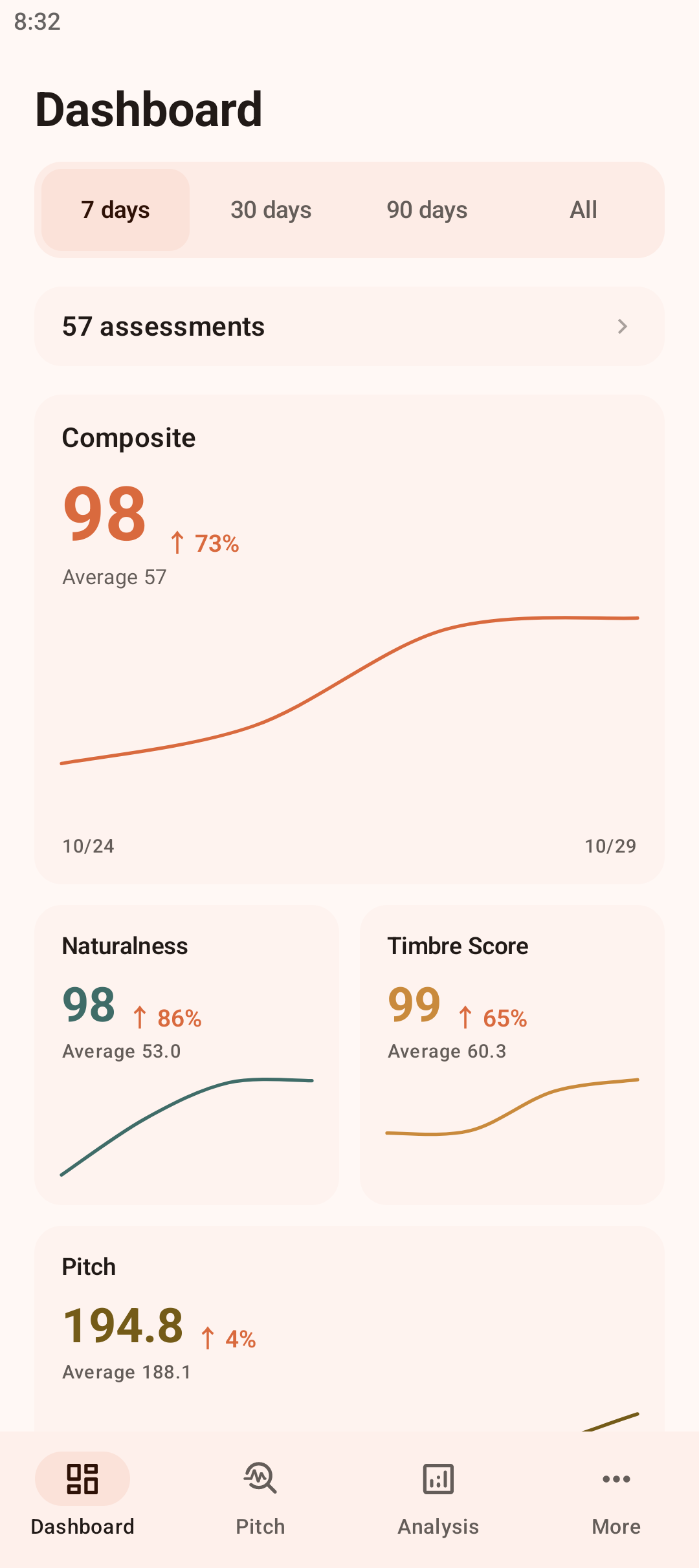
The dashboard summarizes trends for the overall score, naturalness, timbre score and pitch over 7, 30 or 90 days, each against its average. The activity calendar marks every day you practiced; tap one to see that session's score and length. Progress reads better as a trend than as any single score.
A look at your voice health
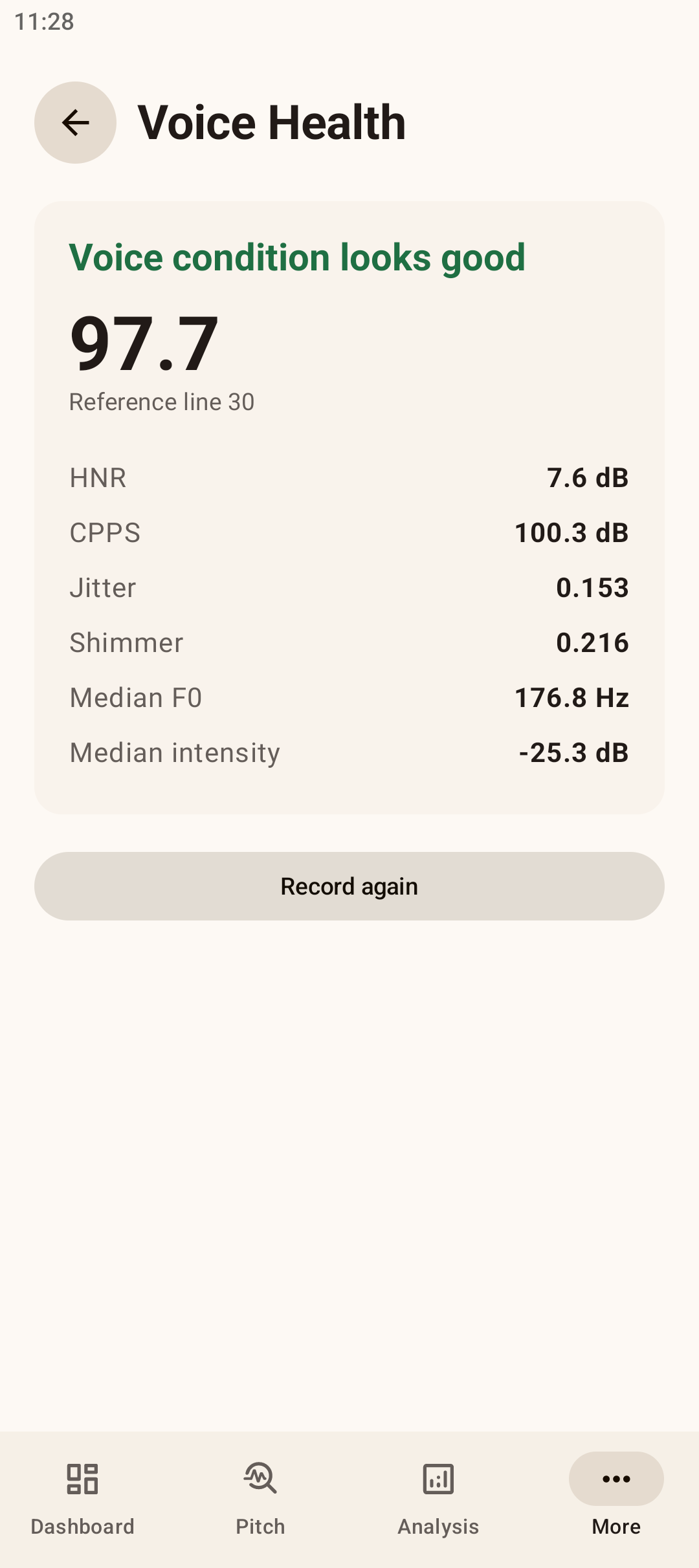
The Voice Health page gives a condition score against a reference line, with HNR, CPPS, jitter, shimmer, median F0 and intensity listed below. Alongside training, it is an easy way to keep an eye on the state of the voice itself.
Guides that explain the scores
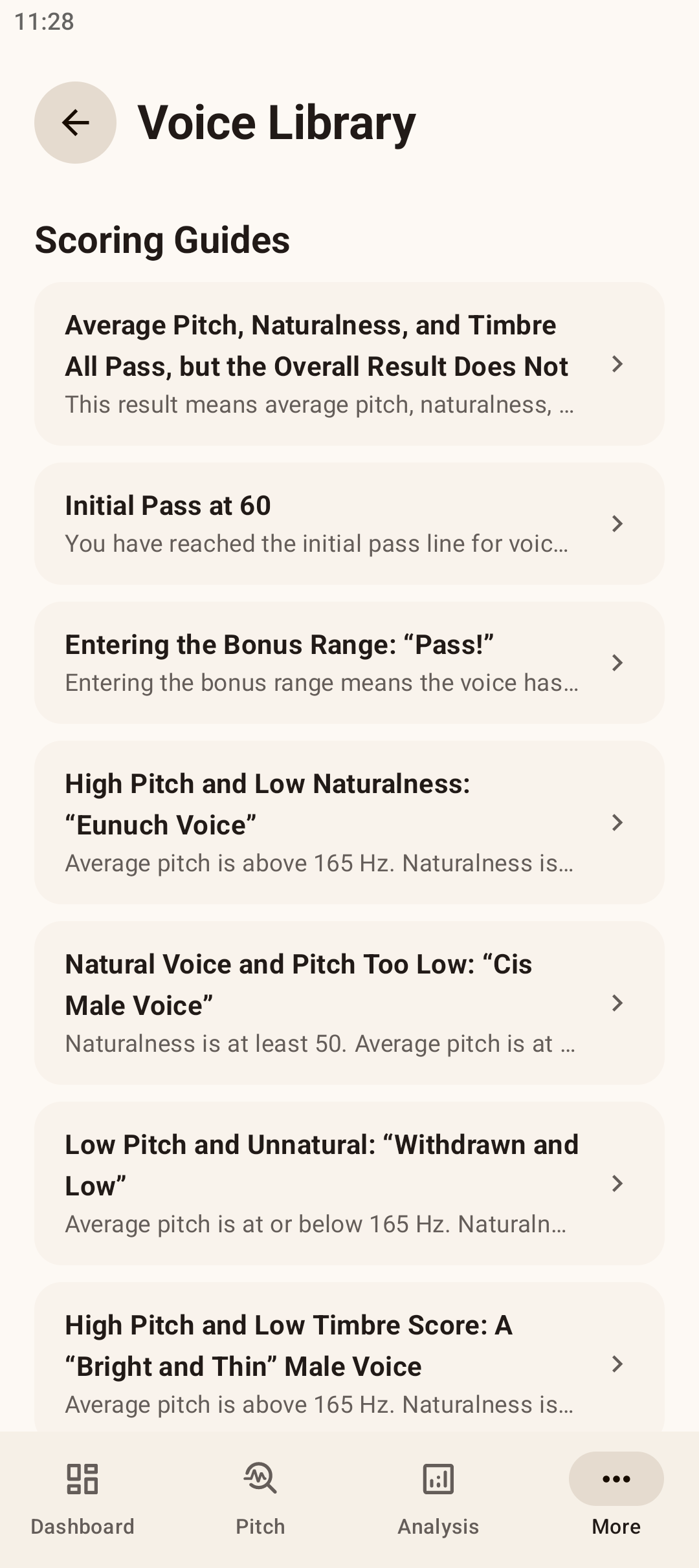
The Voice Library carries a set of scoring guides that explain score combinations one by one: why everything can pass while the overall result does not, or what high pitch with low naturalness means. When a result puzzles you, its guide is the place to look.
Kept on your device
Analysis and history are kept locally on the device and never uploaded.
User guideDownload Pitchee
Nightly builds are pre-release: they carry the latest changes and are less stable than releases.